
How to use Hippo
Create and share your first set of practice questions.
Start with your lesson material, check the drafts and choose how your students will practise.
Prepare questions from a lesson.
- 1
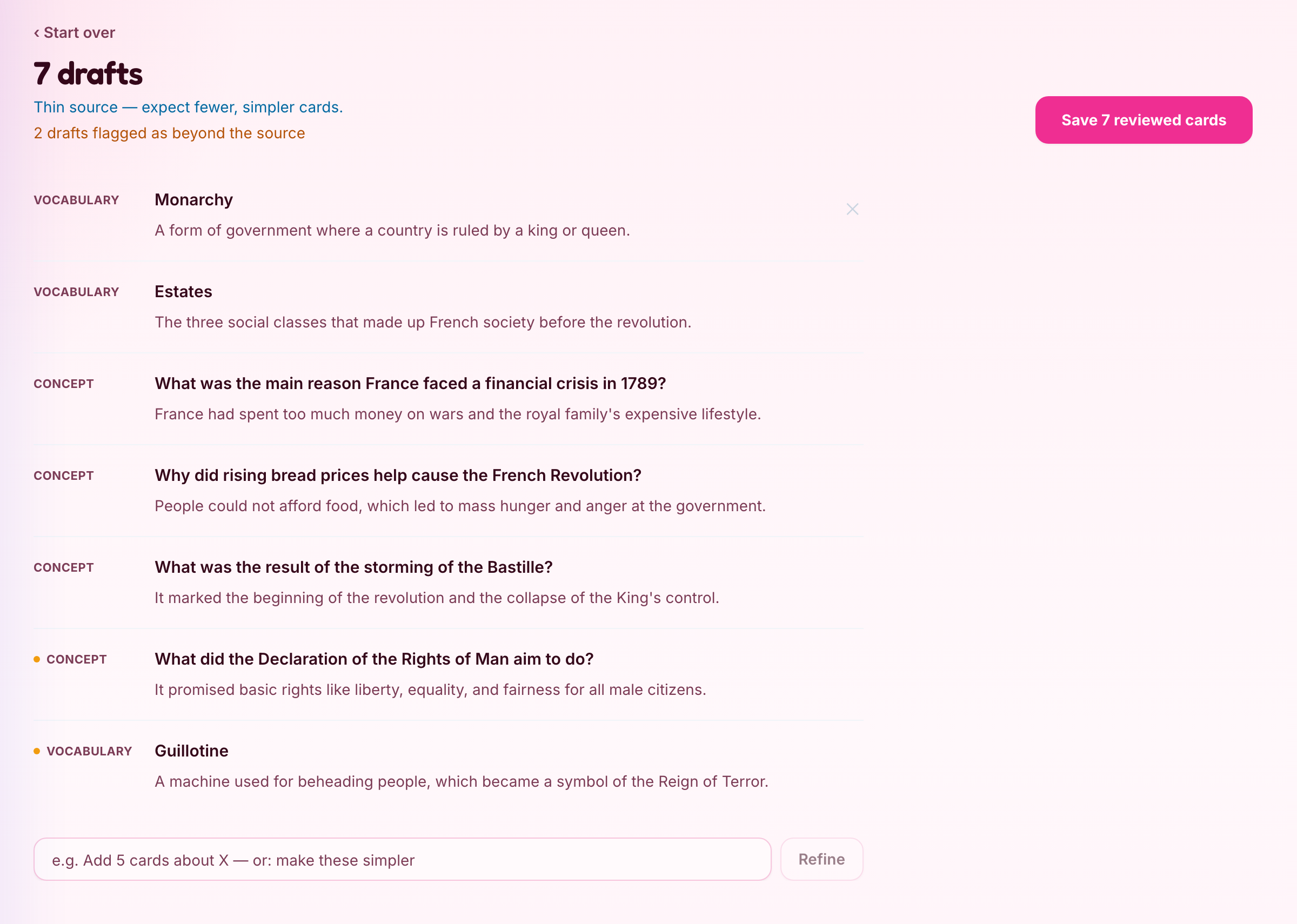
Create a deck from your lesson material.
- 2
Check every question and answer. Edit or remove drafts before saving.
- 3
Assign the reviewed deck for homework or start the live quiz show.
- 4
After the quiz show, check answer counts for each question. Download responses when you need to see individual students’ choices.
Open the deck your teacher shared.
- 1
Sign in or join the live session with the details your teacher gives you.
- 2
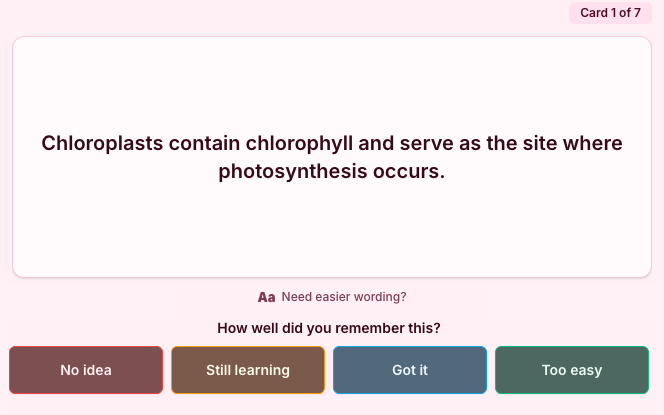
Read each question and try to answer it.
- 3
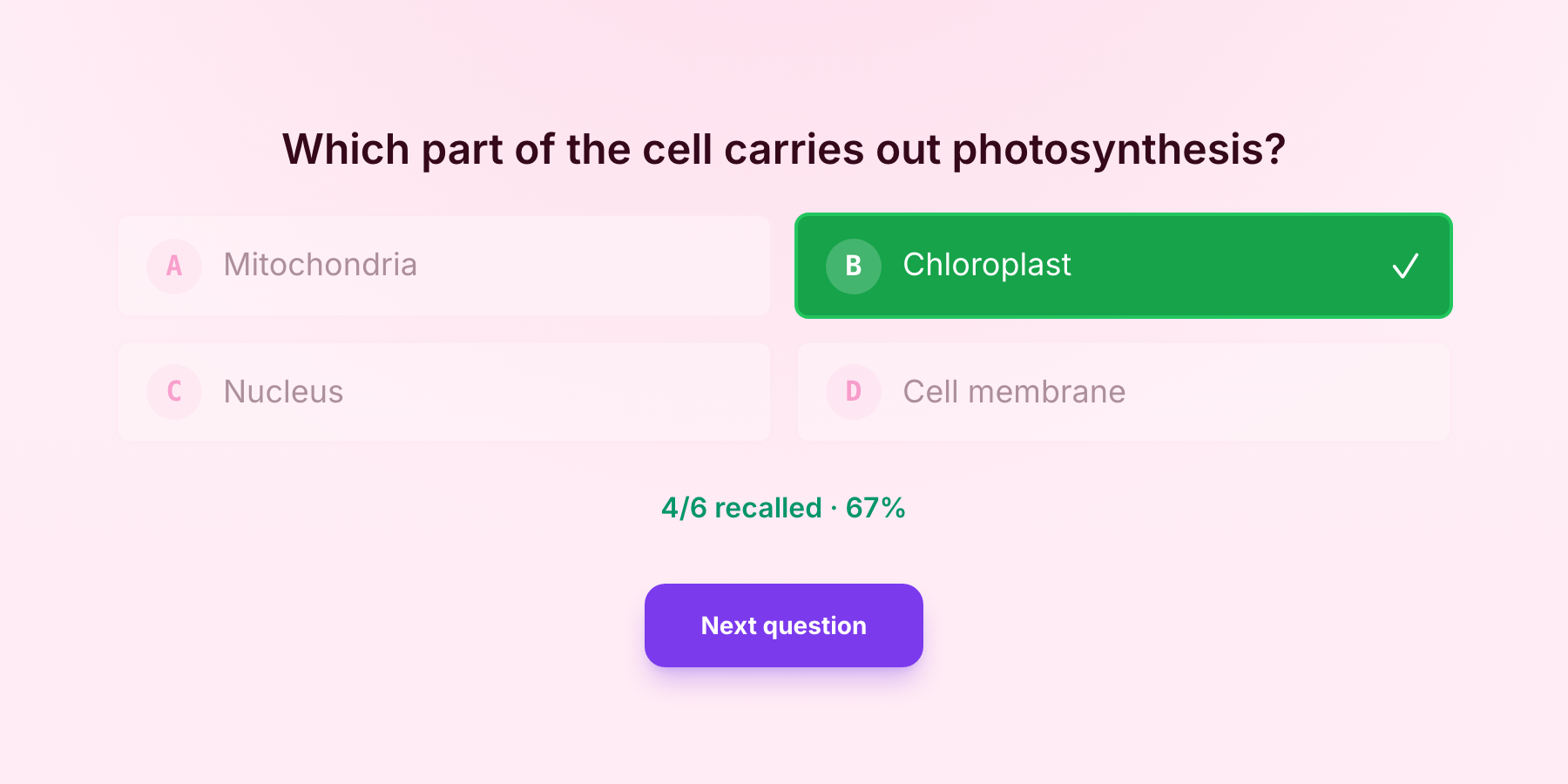
Check the correct answer when it is shown, then continue to the next question.
After a live session
Use the results to decide what to revisit.
Independent Study also schedules later review. It records review history, but does not save which multiple-choice option a student selected.
Question types
Choose from six question types.
- Concept (question and answer)
- Cloze (fill in the blank)
- Multiple choice
- Prediction
- Find the error (spot the mistake)
- Vocabulary